


Corp BPC usage and Corp BPO Rules
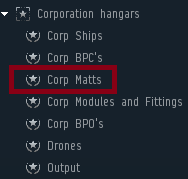
1. When docked at Hahda VII - Moon 1 - Carthum Conglomerate Factory you need to put your Mats into the Corp Matts folder which you need for the BPC you want to make.
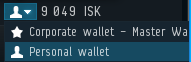
5. Make sure the dropdown at the TOTAL JOB COST is on your personal wallet or on the Corp Craft Wallet but then you also have to add funts to the Corp Craft wallet.
To change the appearance of the page, edit the styles of the corresponding elements (in most cases by using the "Main Frame" Style Zone).
To change the menu’s links: edit, copy-paste, or delete the Link Elements within.
To hide an element without deleting it, use its property Visible.
To change the menu’s links: edit, copy-paste, or delete the Link Elements within.
To hide an element without deleting it, use its property Visible.
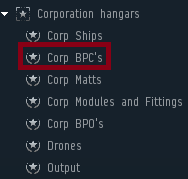
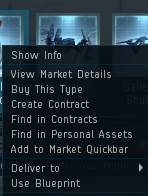
2. Once that is done goto Corp BPC's folder and right click the BPC you want to make and say Use Blueprint.
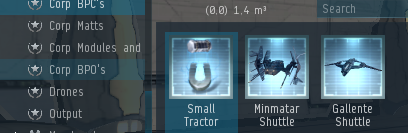
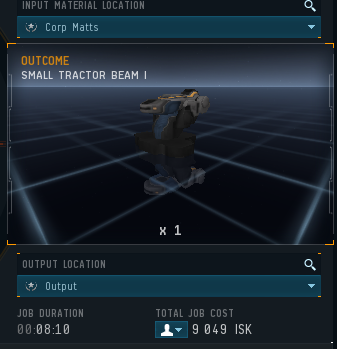
3. Now when the Factory Window opens on the Top Right you will see INPUT MATERIAL LOCATION, On the dropdown change it to Corp Matts,
4. On the Right Bottom There is OUTPUT LOCATION, change that to OUTPUT, This part is important else you will not get your item.
4. On the Right Bottom There is OUTPUT LOCATION, change that to OUTPUT, This part is important else you will not get your item.
To "activate" displaying of an arrow, use its property "Visible"